
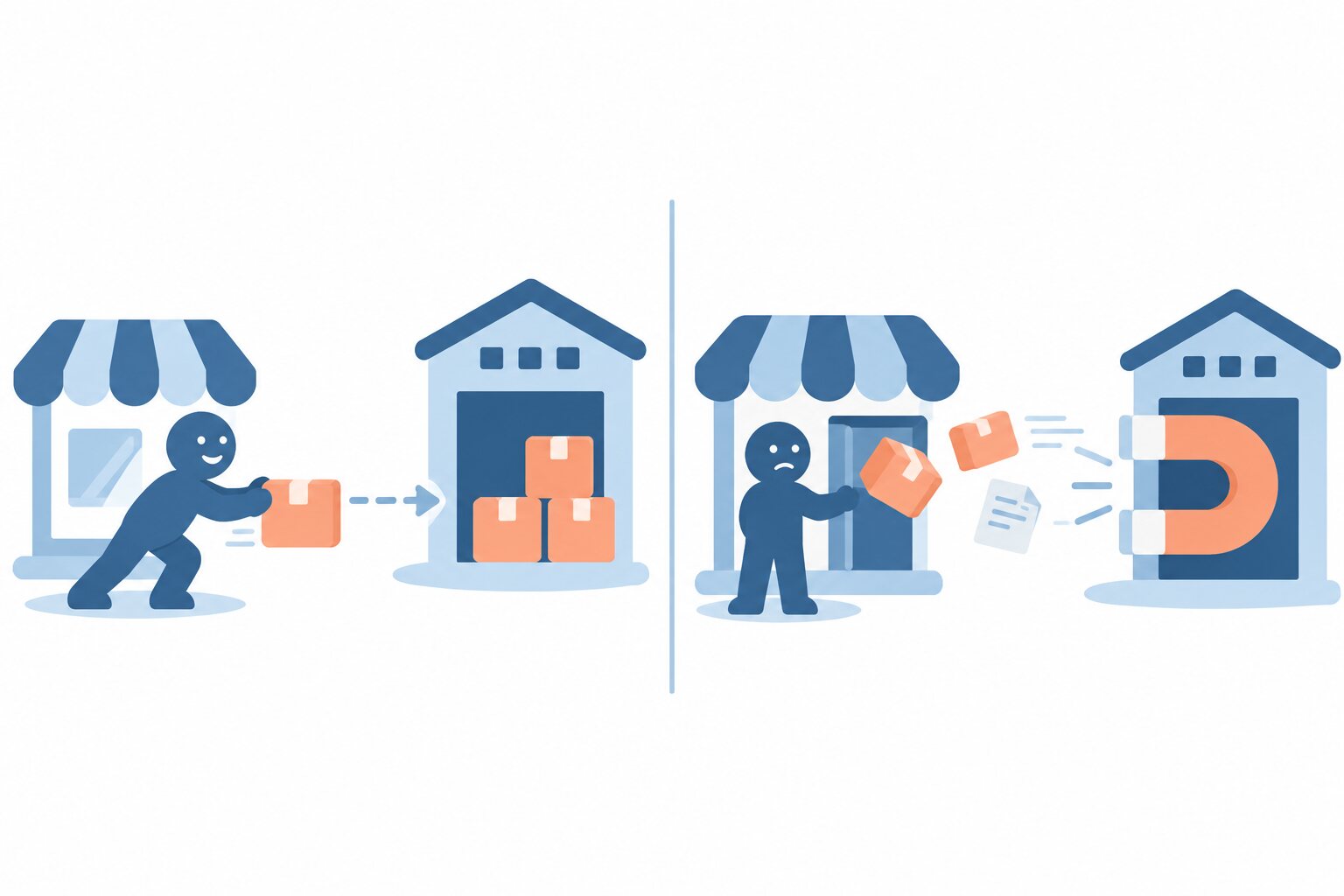
A few months ago I was staring at an onboarding form from a fulfilment operator. It asked, in the same polite tone you would use to ask for a coffee, for a WooCommerce admin user and a REST API key with read and write scope. The idea was simple: hand that over, and their system would log into my store whenever it felt like it and pull the orders out. I stopped. Not because the operator was shady (they weren’t), but because I kept imagining the day one of their servers gets popped and my customers’ addresses are part of the loot.
That form is a perfect example of the pull model. And the alternative, push, is the whole reason Wareferry (yes, “WAIR-ferry”) exists. Let me lay both out honestly, because neither is evil, and one of them is probably right for your shop.
Pull: the connector lives on their side
In a pull integration, the fulfilment operator holds the keys. You give them credentials (an API key, an application password, sometimes a full admin user), and their infrastructure reads your store on its own schedule. It polls your orders endpoint, decides what is new, and ingests whatever it finds. ShipBob, Huboo and several others ship their own pull connector that works exactly like this, and for a lot of merchants it is genuinely convenient: you paste a key once and forget about it.
The convenience has a price, and the price is control. Think about who holds what:
- They have a live credential into your store, often with more scope than fulfilment strictly needs.
- They decide what to read. A key with read access to orders can usually read every order, including fields that have nothing to do with shipping a box.
- If their systems get breached, your credential and your customer data are sitting in their perimeter, not yours.
- Your audit trail is on their servers. You see what they choose to show you.
None of that makes pull a bad architecture. It makes it their architecture, and you are a tenant in it.
Push: the plugin lives on your store
Push flips the direction. The connector is a plugin inside your WooCommerce, and it sends each order out to the warehouse when you trigger it. The operator never logs in, never gets a key, never sees your admin. They receive a message from you, with exactly the fields they need to pick, pack and ship, and nothing else.
This is the model Wareferry is built on: a family of WooCommerce plugins, one per operator, all push. If you want the mechanics, I wrote them up in how it works, and the roster of operators lives in integrations. The part that matters here is the shift in who holds what:
- You hold the keys. The operator holds nothing that can reach into your store.
- You decide what leaves. The payload carries the recipient, the address, the line items and the shipping method, not your customer’s entire order history.
- If the operator has a breach, there is no credential of yours to steal, because they never had one.
- The audit trail is yours. Every outbound order is an event you logged, on your server, that you can inspect.
The GDPR angle, said plainly
Article 5.1.c of the GDPR is the data minimisation principle: personal data must be adequate, relevant and limited to what is necessary. A pull connector with read access to your orders tends to grab more than it needs, because it can, and because filtering on your side is work nobody did. Push inverts the default. You build the payload, so minimisation is not a promise you have to trust, it is the shape of the message. You send the warehouse what the warehouse needs to deliver a parcel, full stop.
I am not going to pretend this is a magic compliance button. You are still the controller, the operator is still a processor, you still need a data processing agreement. But when the auditor asks “what personal data does the fulfilment provider receive, and how do you limit it?”, answering “here is the exact payload my plugin sends” is a much calmer conversation than “well, they have a key, so technically everything”.
So when does each one make sense?
Pull makes sense when the operator’s connector is mature, you trust their security posture, and you value setup-and-forget over fine-grained control. If you are a small shop shipping a handful of orders a day and your operator’s native integration just works, there is no shame in using it.
Push makes sense when you want the credentials and the data flow to stay on your side of the fence, when you care about a clean audit trail, or when your legal team would rather you not hand standing admin access to a third party. That is the bet Wareferry made: keep the control where the liability already is, which is with you, the merchant.
One practical warning: do not run both at once. If your operator’s pull connector is ingesting orders and a push plugin is sending them, you will get duplicates, race conditions, and a support ticket with your name on it. Pick one direction and commit to it.
Wareferry is still in development, so there is nothing to buy and nothing to oversell. The plan is a genuinely free version, no limits, no trialware countdown waiting to charge you. If the push approach sounds like the side of the fence you want to be on, put yourself on the waitlist and I will tell you when the first operators are ready. No key required.